
Beyond the walls
Into the experience
An AI living room system connecting immersive experiences and everyday devices.
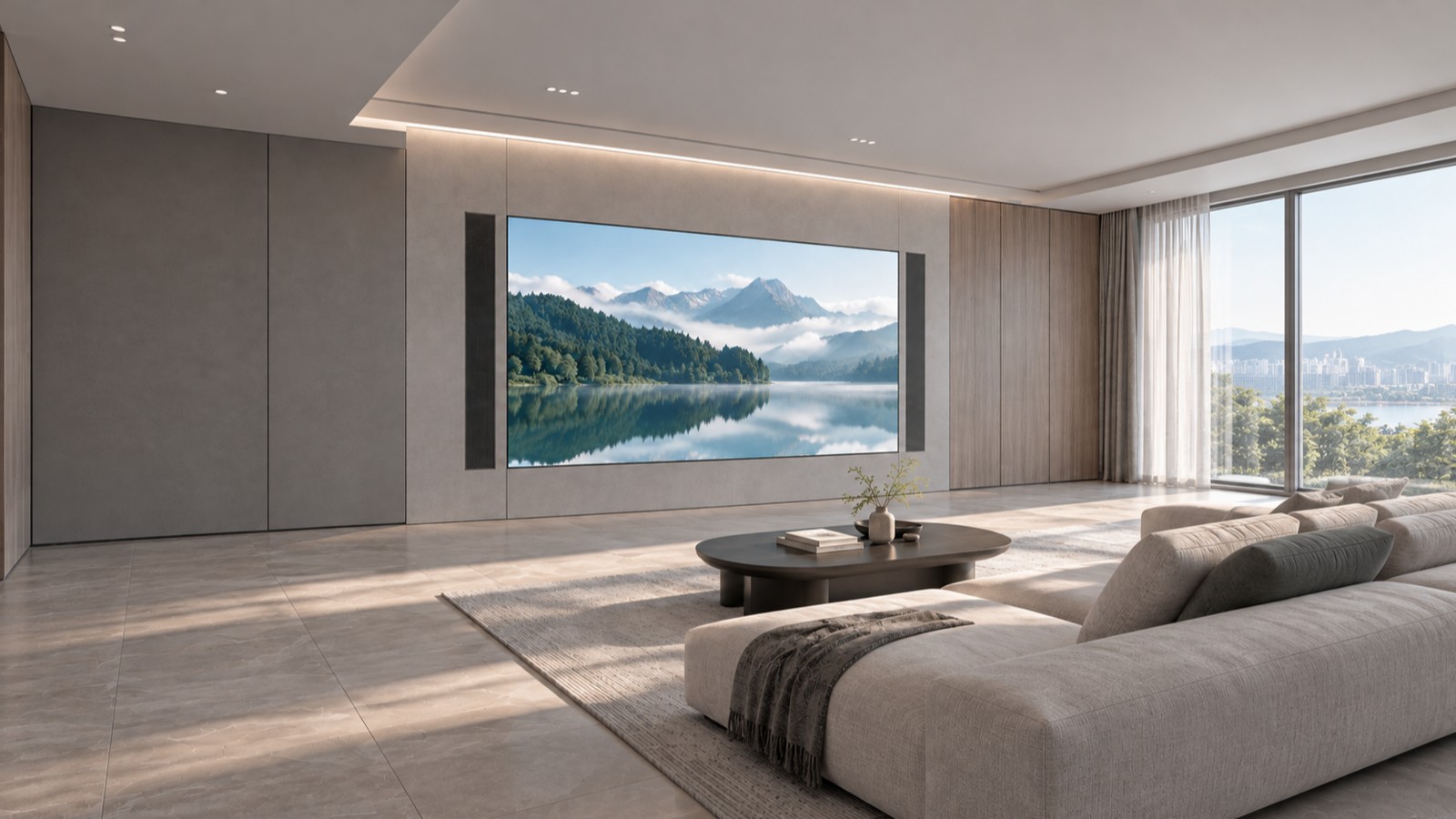
One space.
Many experiences.
We’re developing experiences that let you explore places, enjoy performances and adjust lighting and connected devices to suit what you’re doing.
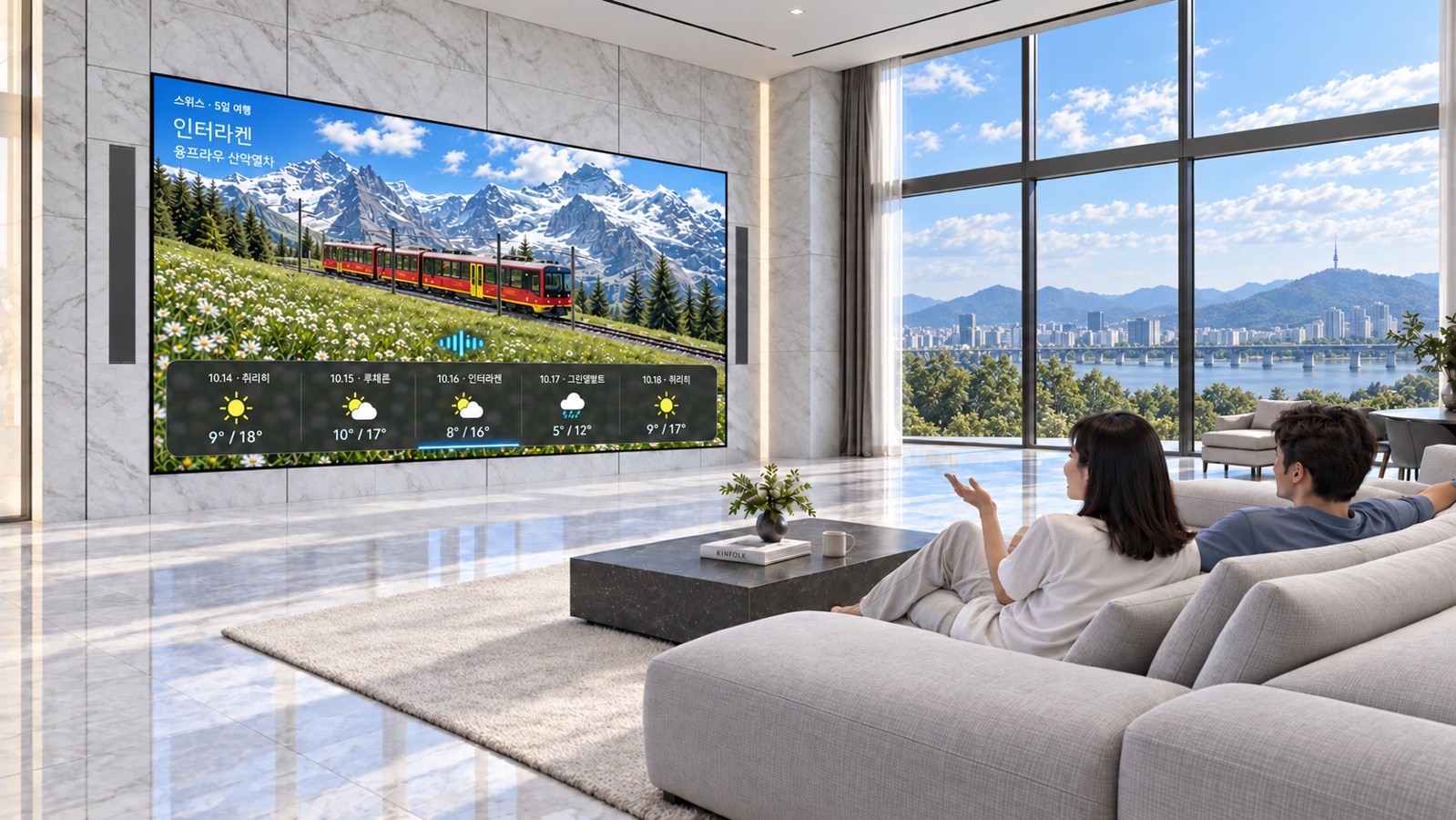
Explore before you go
Look around a virtual space created from a destination photo as you plan your next trip.
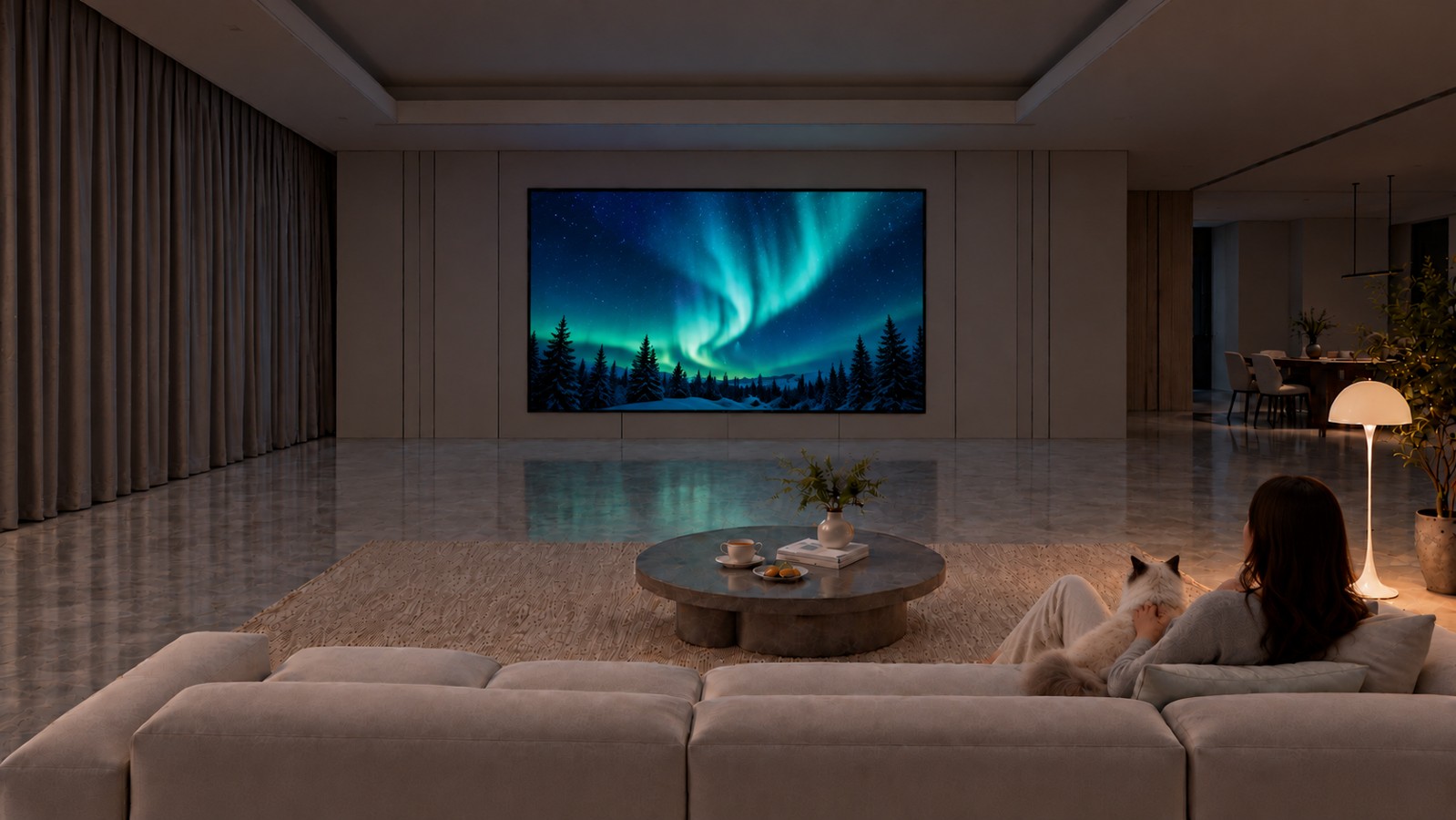
Unwind with a view you love
Pair a favorite landscape with nature sounds, music and lighting to set the mood for a break.
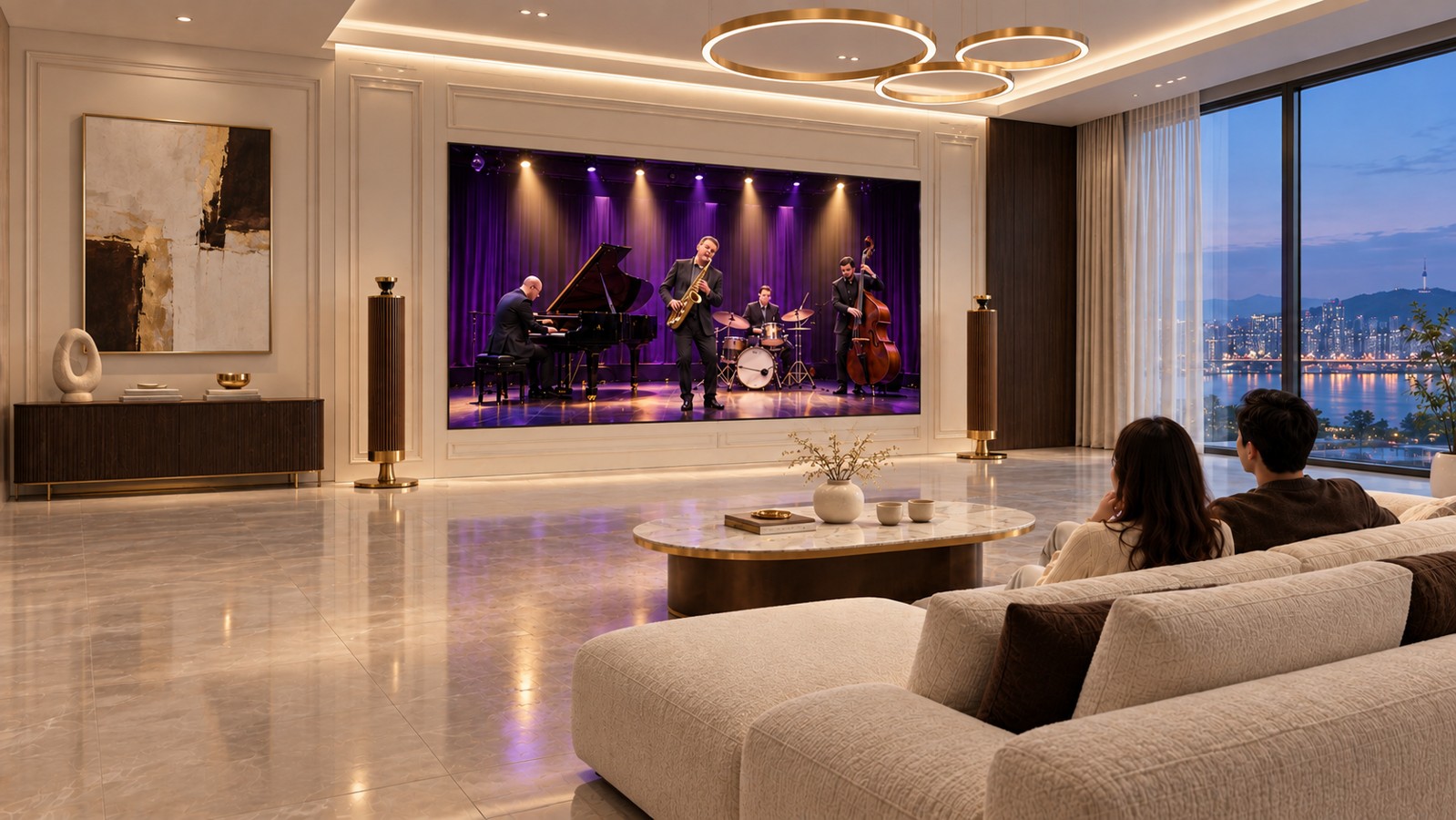
Feel closer to the performance
Tune sound and lighting to the concert footage for an immersive performance in a familiar space.
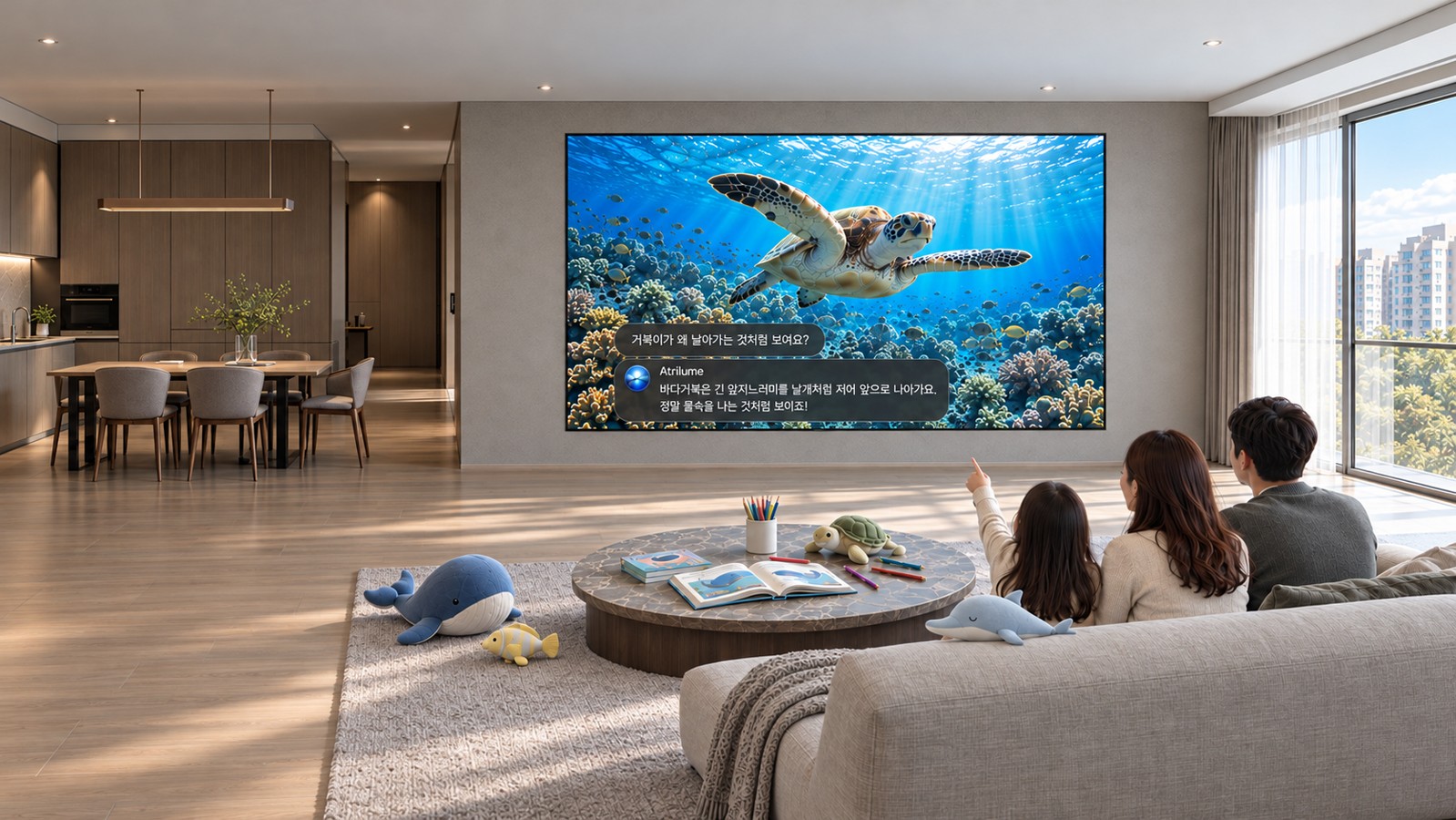
Let curiosity lead the way
Ask questions together and explore nature, history and space on the big screen.
From an image
to a space to explore
We're using world models to expand a scene from an image or text into a virtual space,so you can explore it from different viewpoints.
- 01
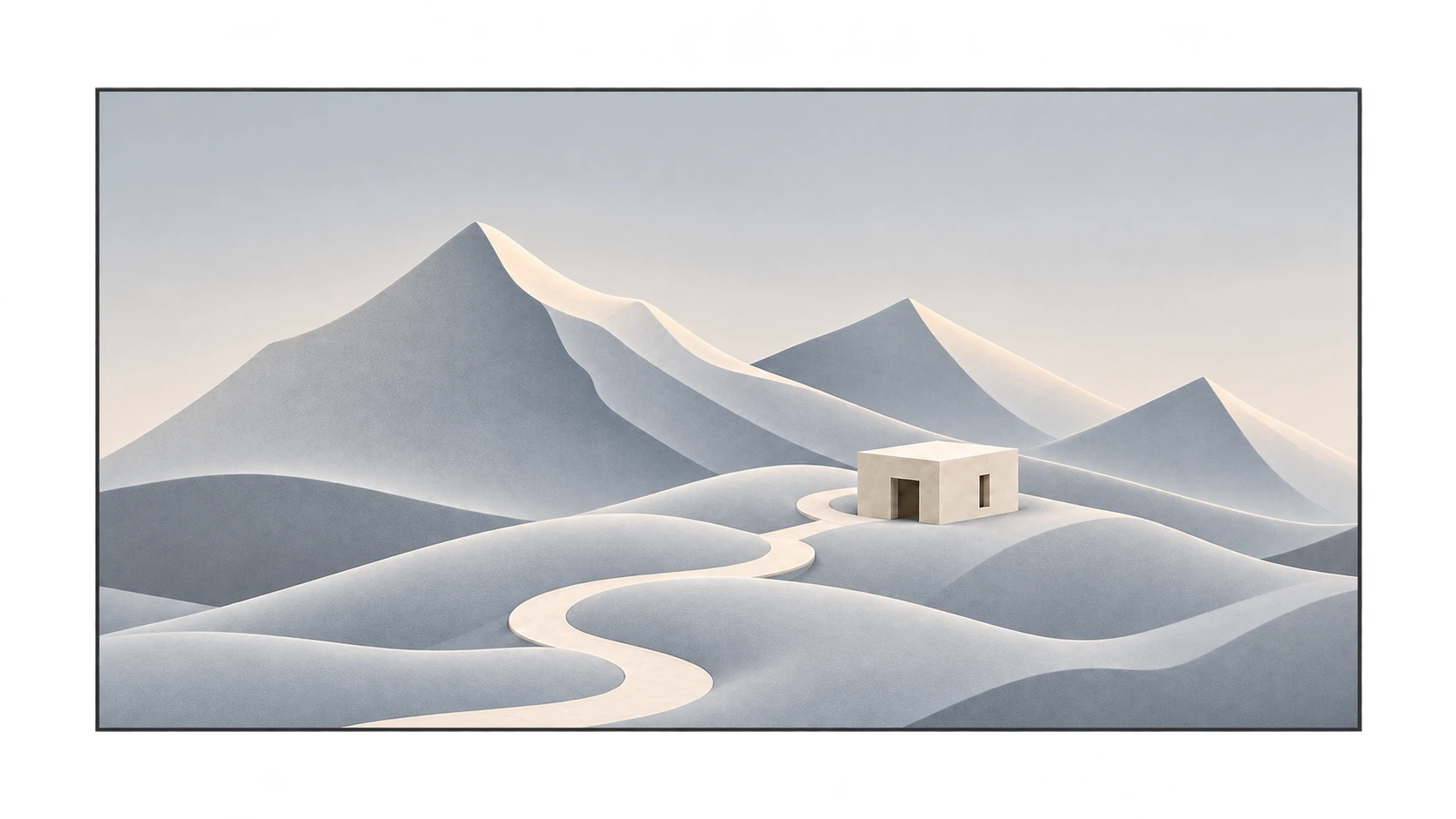
Choose a scene
Pick the place or landscape you want to experience.
- 02
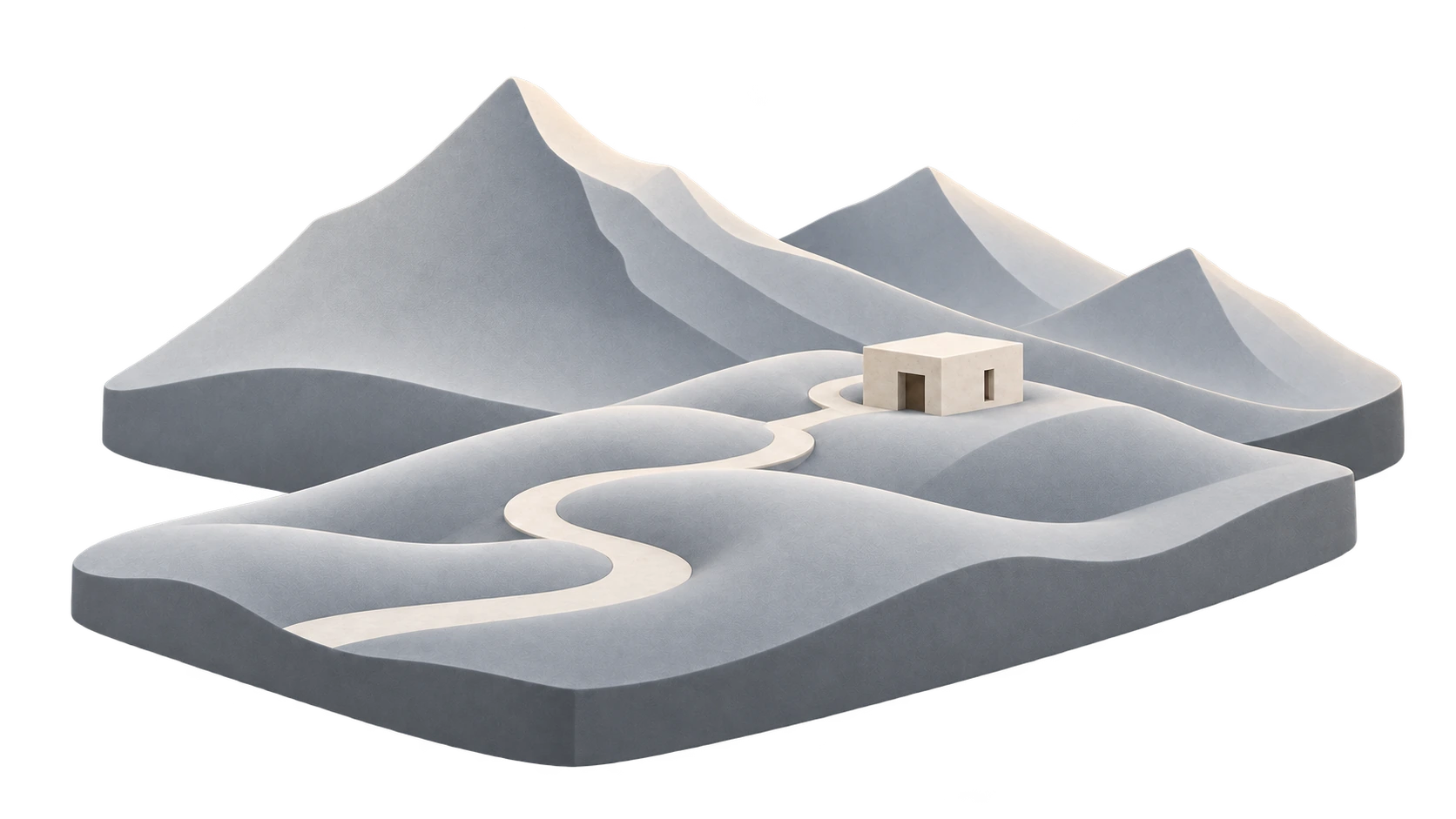
Generate a space
Expand the selected image into a virtual space.
- 03View from within
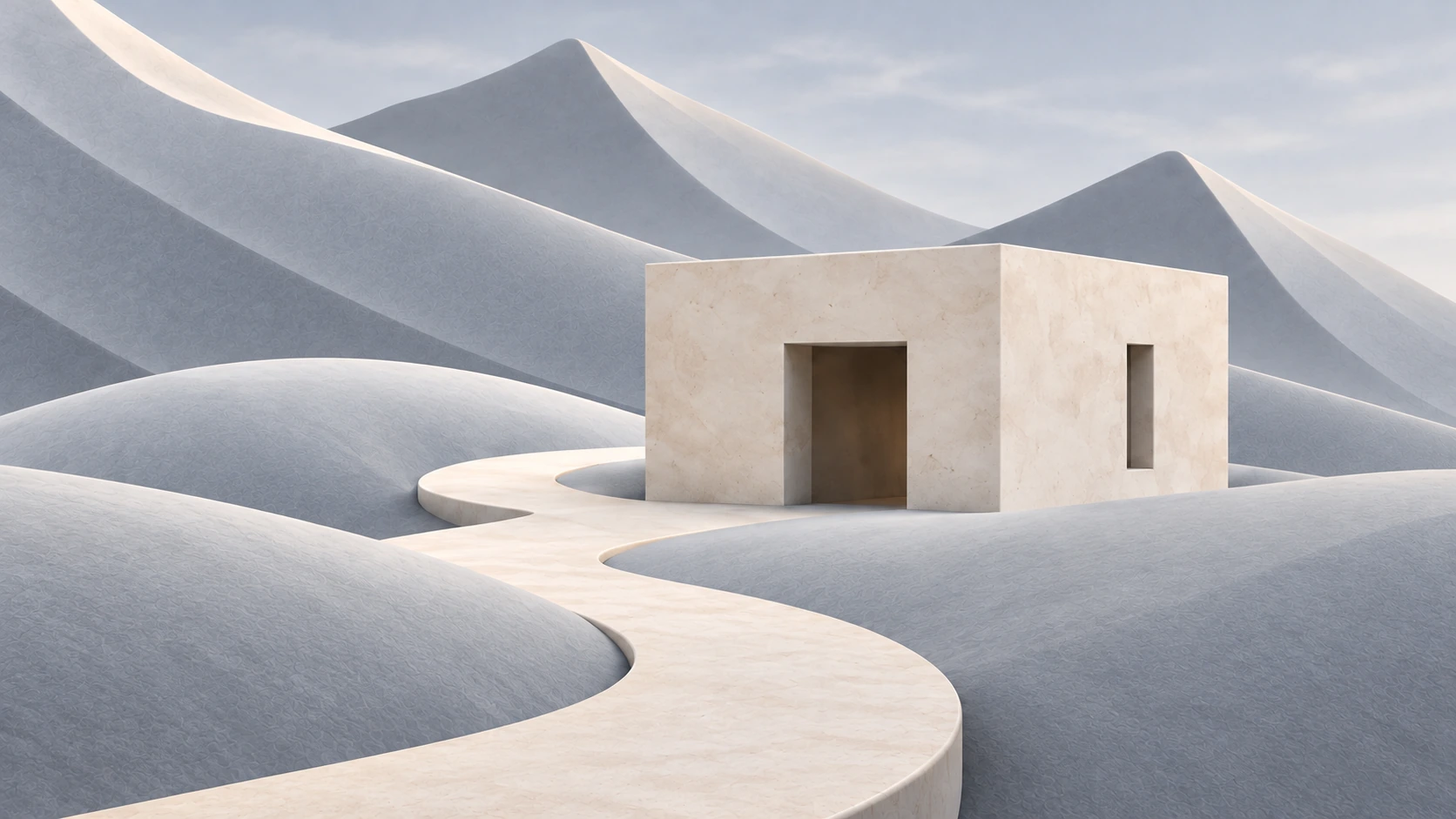
Explore viewpoints
Look around the space from different positions and angles.
Conceptual illustration of the workflow. Not an actual model output or an interactive demo.
Visuals, sound and light.
One experience.
Get immersed in what you’re watching, then change the atmosphere for your next activity.We’re designing a workflow that brings content and connected devices together.
Hardware
Visuals, sound and light set the atmosphere for watching and other activities.
HomeOS
Review settings for your activity, then adjust connected devices with your approval.
Experience apps
Adds content and activities for travel, relaxation and hobbies.
Planned device-control workflow
- 01Ask for a sceneSay which scene you want. The system checks the state of the connected devices.
- 02Review and approveLook over the proposed screen, sound and lighting changes and approve them.
- 03Apply and confirmThe approved settings are applied and the result is reported for each device.
The main screen is planned for shared viewing and participation. Personal devices or a secondary screen are planned for status checks and settings.
More than watching.
Take part.
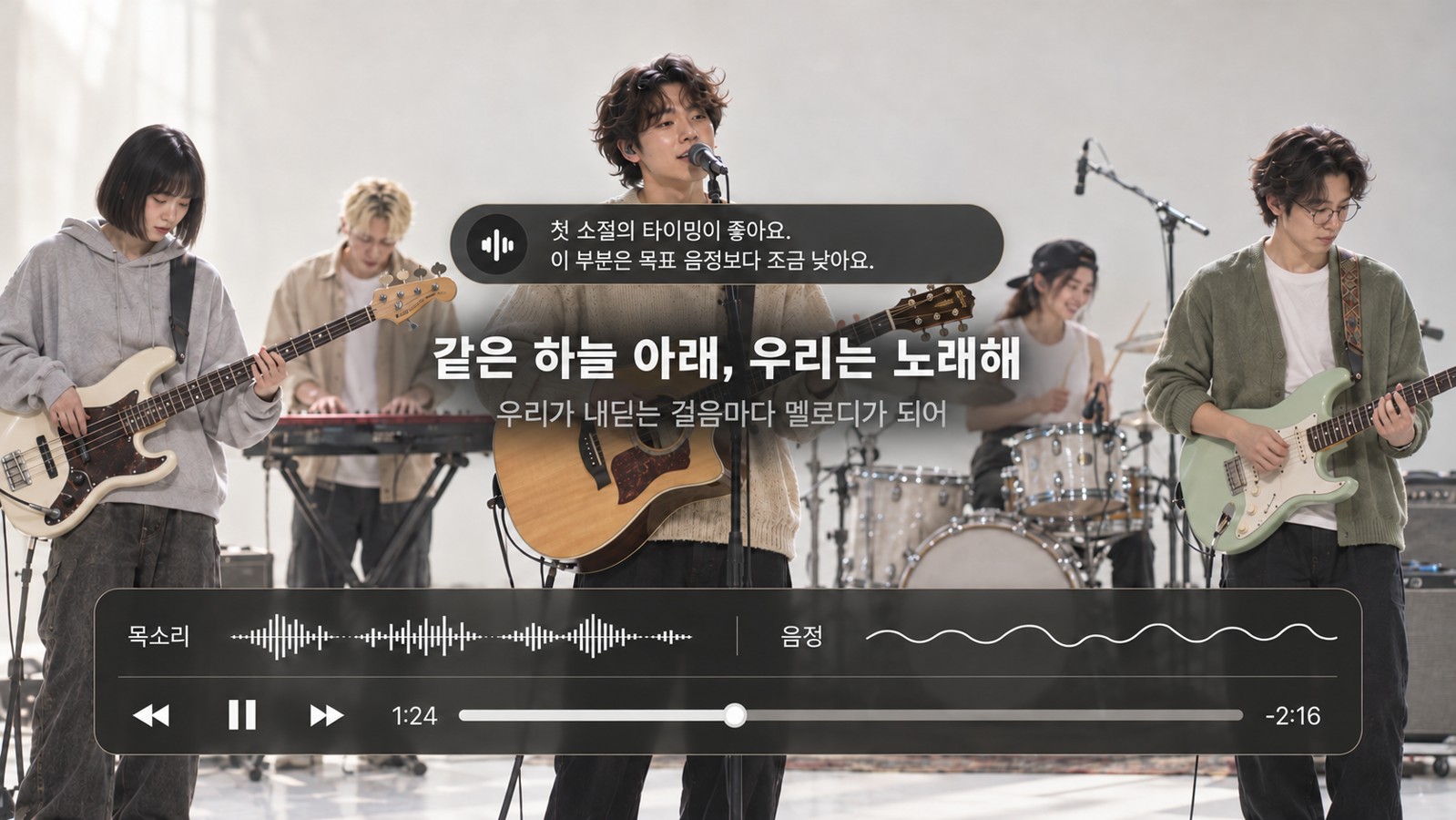
VoiceStep
Practice singing with AI feedback and compare how you sound before and after.
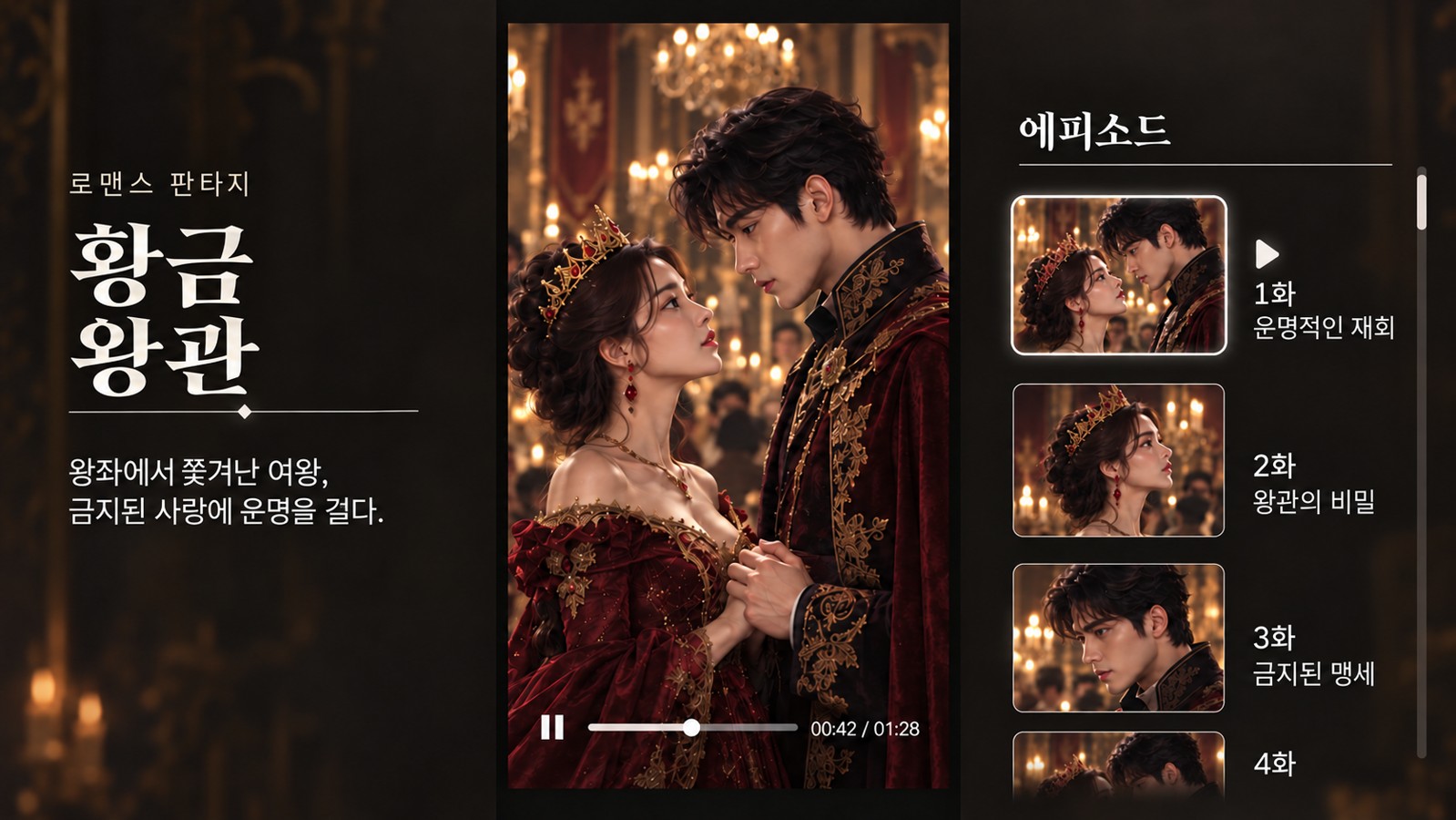
Shortform Film
Enjoy vertical short-form dramas on the big screen.
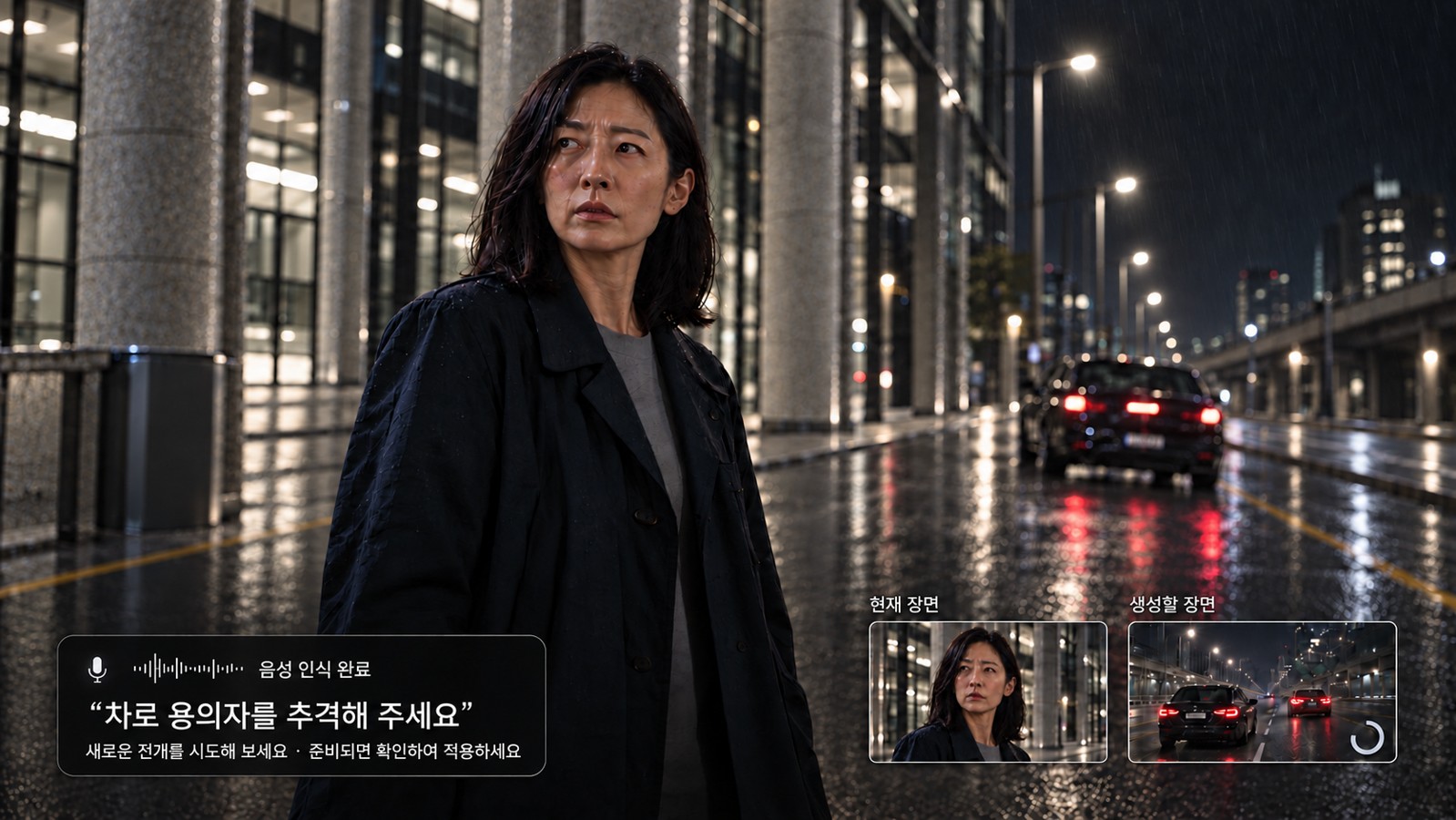
Interactive AI
An early concept where a voice request shapes the next prepared video segment.
Experience it first.
Compare and choose.
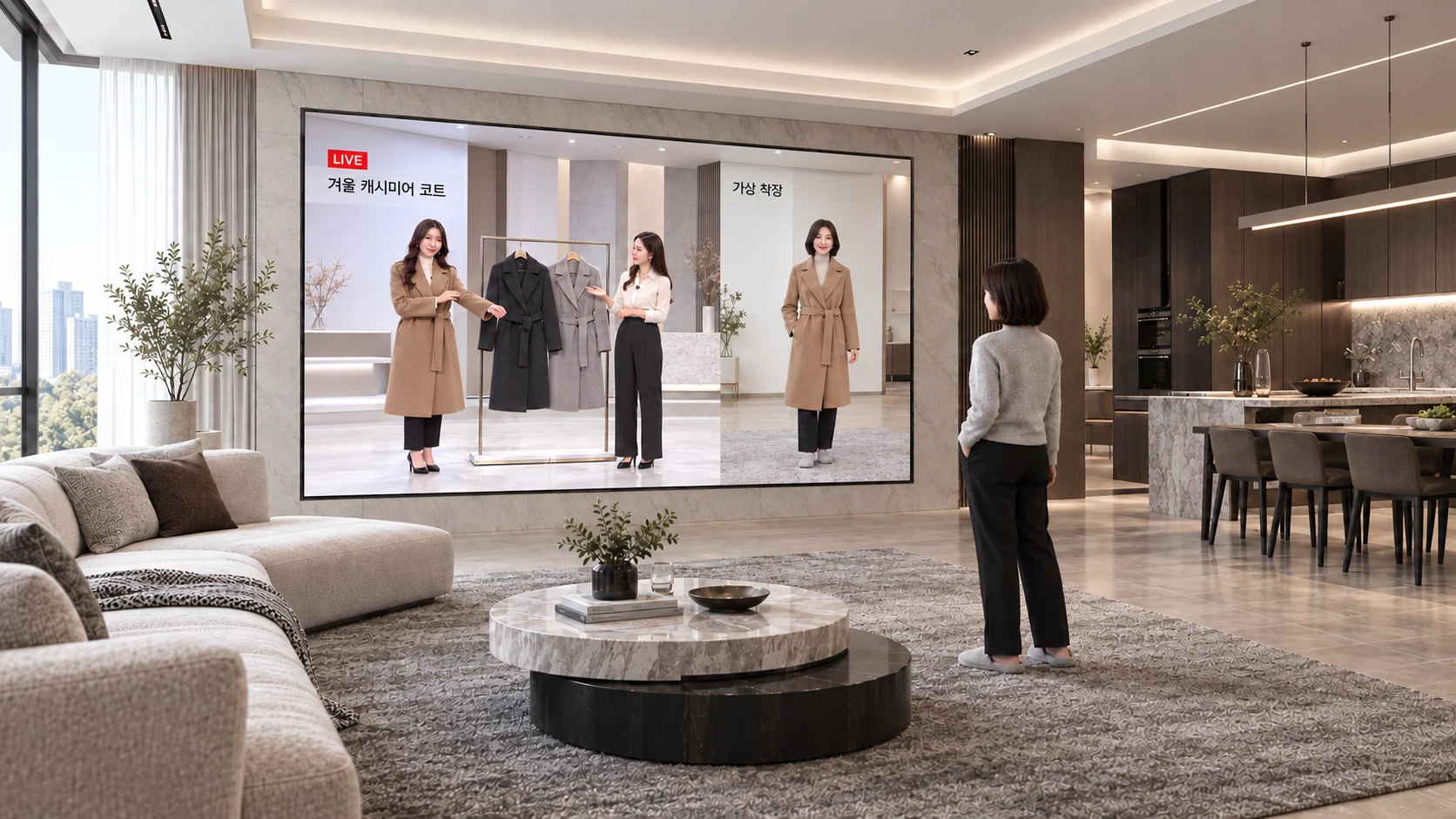
Home shopping & virtual try-on
Try on clothes from a shopping broadcast virtually and check the style before you buy.
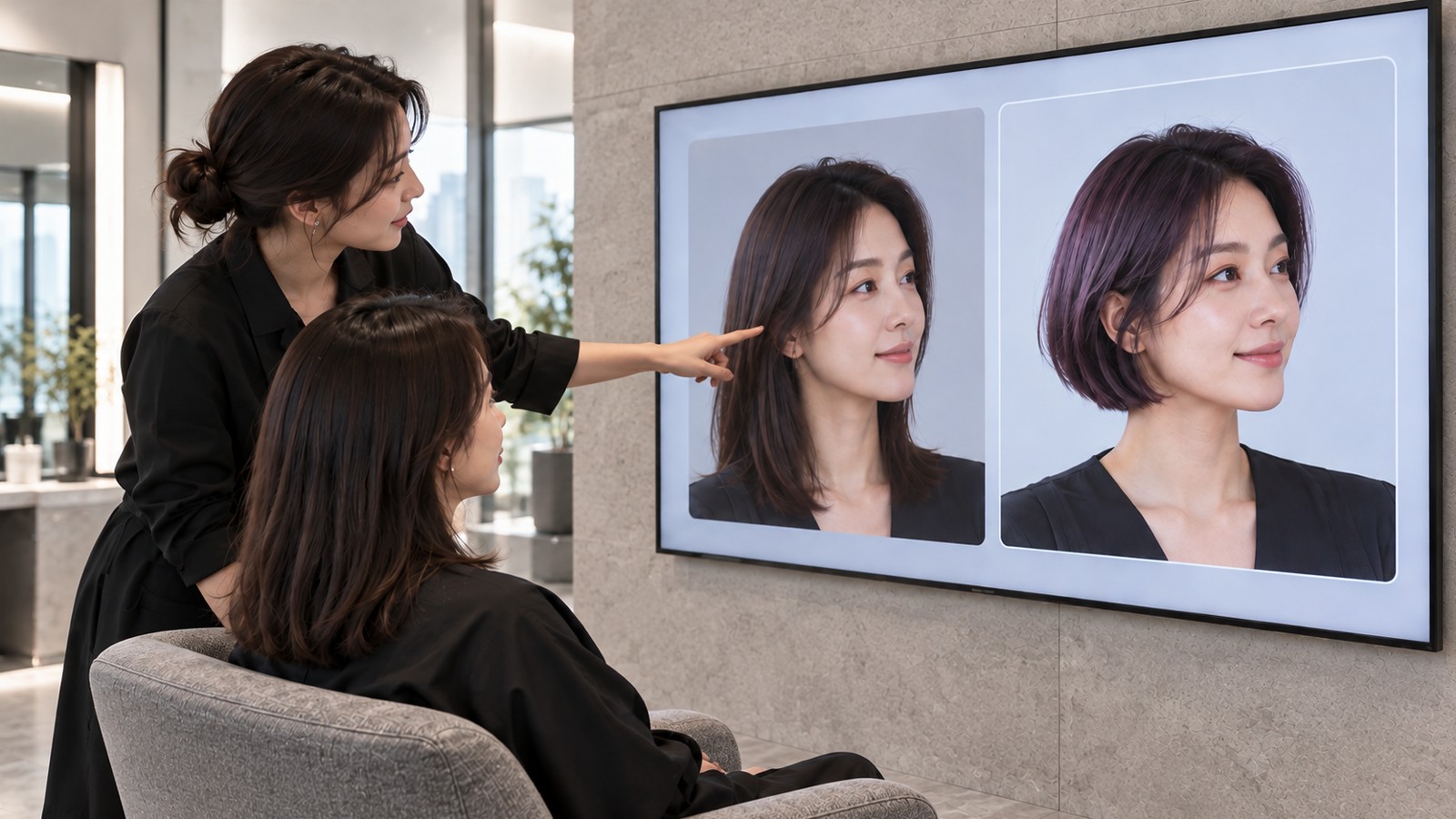
Salons & beauty
Preview hairstyles and colors, then discuss the look you want with your stylist.
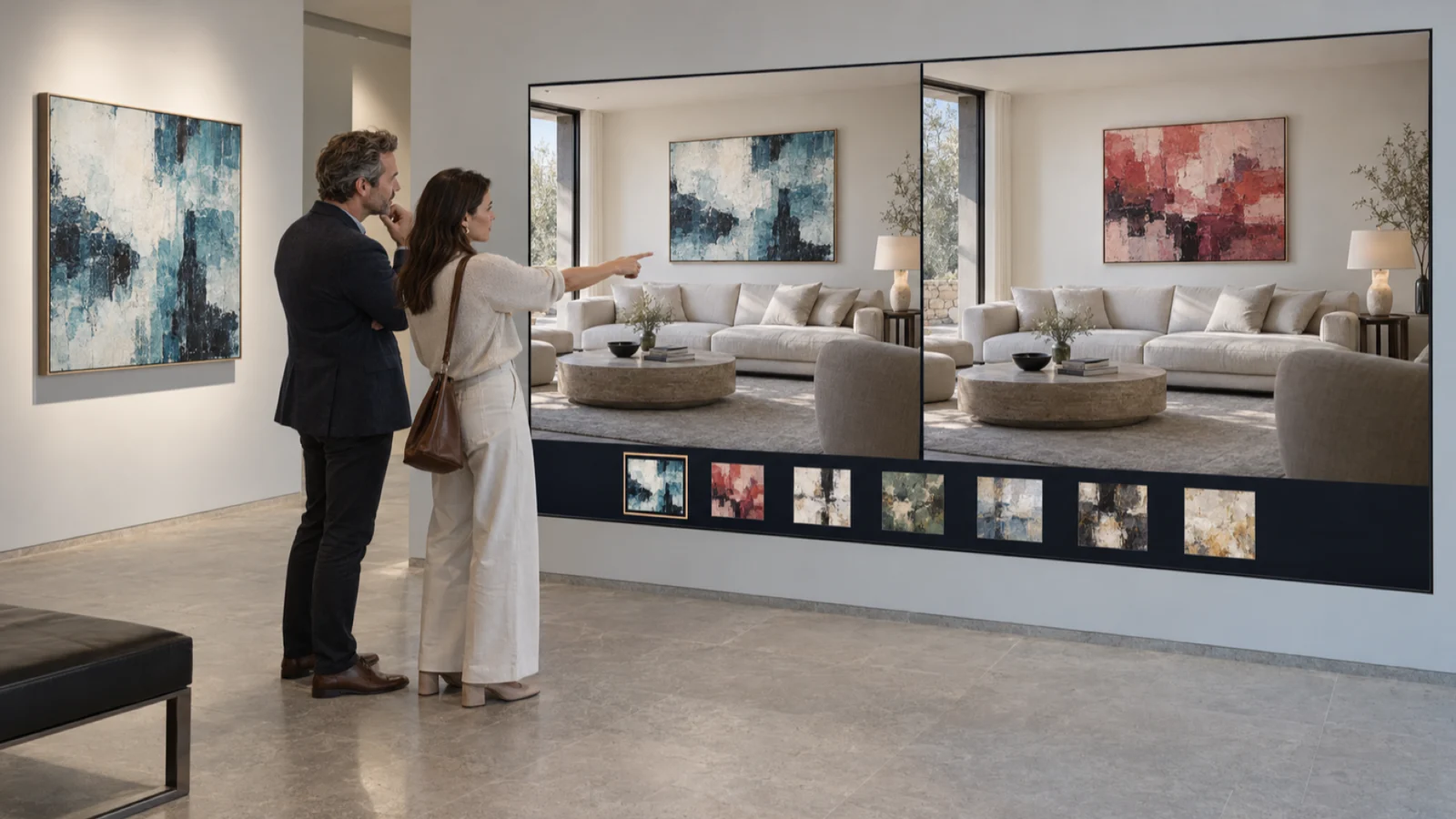
Art & collecting
Preview artwork in your space and compare scale and mood before choosing.
Experience concepts · Integrations will be defined after validation
Designed around
your space
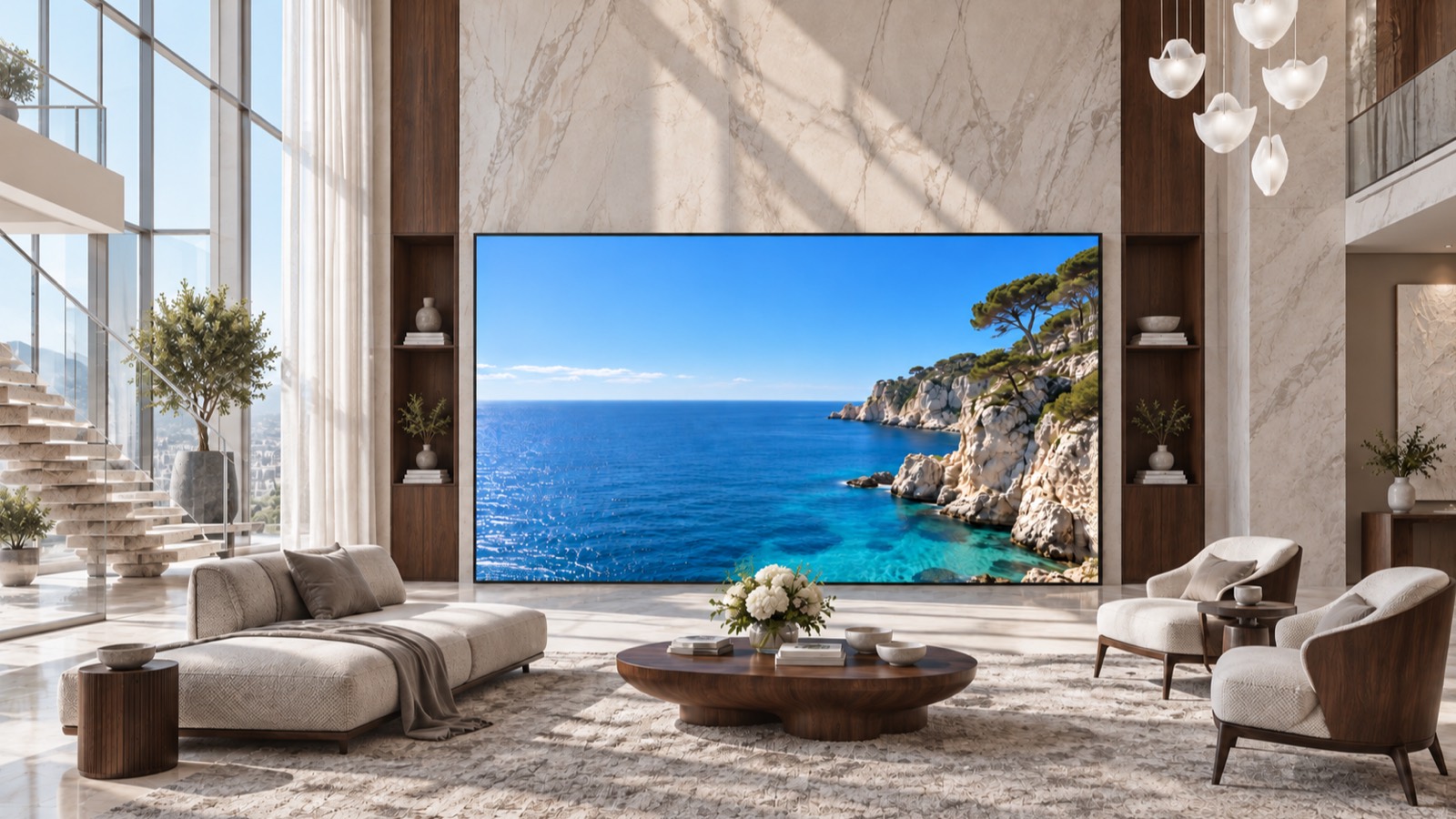
We look at your space, how you plan to use it and your budget,then review display, sound, lighting and installation options.
Planned adoption process
- 01Consultation and demoReview the space and the experience you want, then check the functions in a demo.
- 02Scope and estimateAgree on the scope, cost and schedule based on the demo results.
- 03Installation and inspectionAdjust the display, sound and lighting, then verify the agreed functions.
- 04Operation and improvementAgree how scene updates, setting changes and support are handled.
Agreed for each project
Features, supported devices, configuration, cost and schedule are set after demo validation and an on-site review. Access routes, power, cabling, ventilation and maintenance access are checked on site. Equipment, app licenses, construction, maintenance, content rights and warranty terms are agreed separately.
Frequently asked questions
Can I buy or install Atrilume now?
Atrilume is in development. Purchase and installation dates have not been confirmed. Tell us about your space and timeline so we can discuss suitable options.
What spaces can be considered?
We can review new homes, renovation projects and existing living rooms. Access routes, power and cabling, ventilation and maintenance access are checked on site.
How are cost and scope decided?
Scope, cost and schedule are set after demo validation and an on-site review. Equipment, app licenses, construction, maintenance, content rights and warranty terms are agreed separately.
What would a demo cover?
The planned demo would review the display, sound and lighting configuration for your space and check agreed functions. Demo availability, features and timing would be discussed in advance.
What happens after I get in touch?
Email us how you would like to use Atrilume, photos or a floor plan, and your planned timeline. We will review the configuration and features we can explore for your space, then get back to you.
What would you like
to experience in your space?
Tell us about your space, the experience you have in mind and your timeline.We'll explore what may be possible with Atrilume.
General email contact@atrilume.ai